.png)

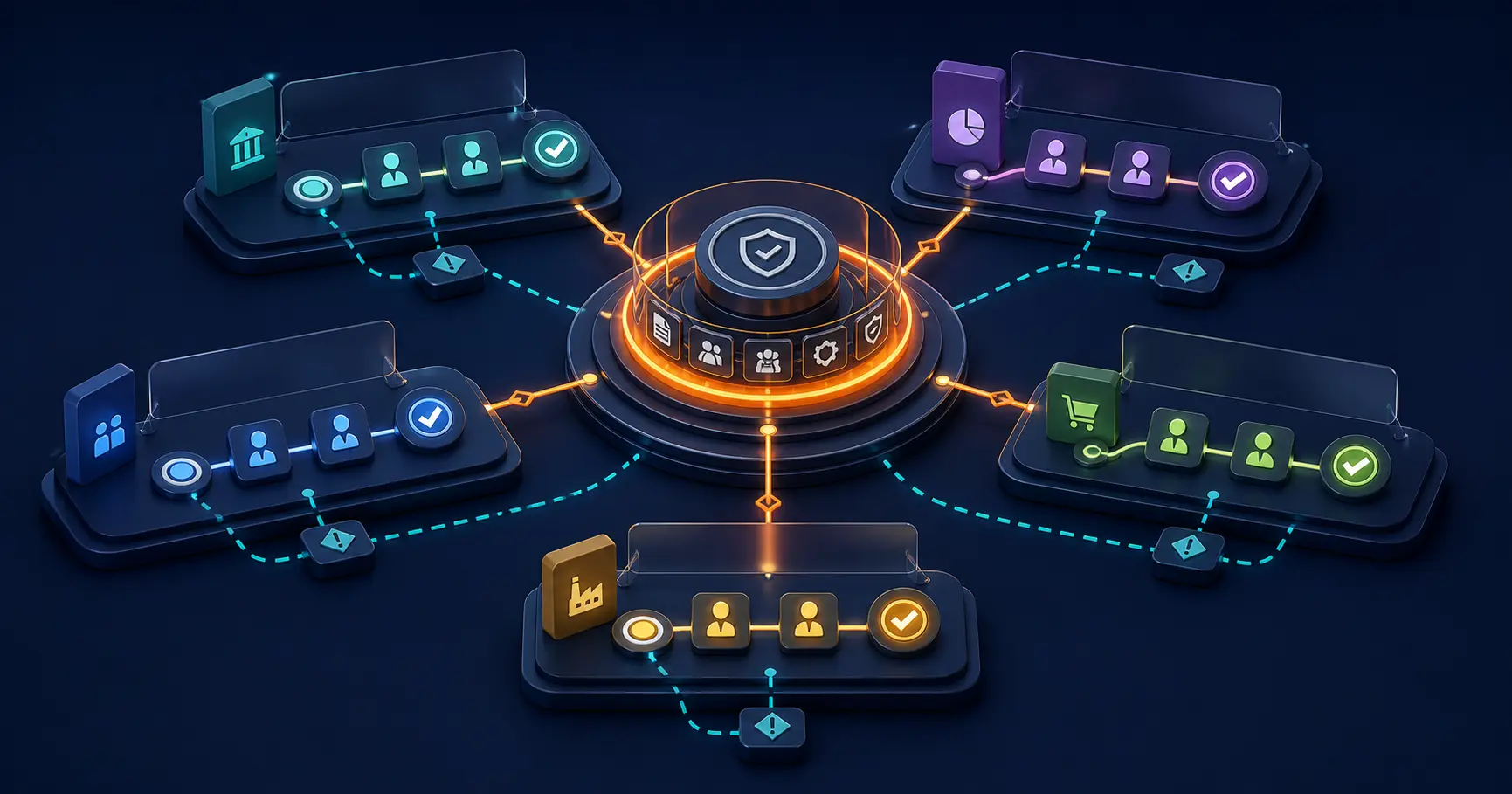
Move an enterprise workflow from pilot to production only after it passes eight gates: outcome, scope, quality, security, reliability, support, adoption, and ownership. A pilot should end with an evidence-based decision to expand, revise, or stop.
A successful demonstration proves that a path can work. A production decision asks whether real teams can operate, support, govern, and improve it under normal and difficult conditions.
Source review: August 28, 2026. Adapt this rollout guide to your organization's security, privacy, legal, accessibility, architecture, records, and change requirements.
Define the pilot as a decision experiment
Write the pilot charter before launch. Include the workflow problem, owner, users, case types, systems, start and end dates, expected volume, excluded work, success measures, safeguards, support model, continuity path, and final decision authority.
The GOV.UK Service Manual treats beta as a way to test a service with users and reduce the greatest uncertainties before live operation. Apply the same principle to a workflow: test the riskiest operating assumptions, not only the easiest screen.
Gate 1: outcome evidence
Show whether the pilot improved the original problem. Compare complete-first-time rate, queue time, handling time, returns, errors, or control outcomes with a documented baseline. Explain missing data and external changes.
A faster process that loses required evidence has not passed. Define countermeasures that must stay stable while the target improves.
Gate 2: scope discipline
Confirm which users, case types, regions, policies, data, and integrations were actually tested. Record requests that operators handled outside the pilot and why.
Do not generalize results from a clean subset to a materially different population. Each expansion needs an impact review.
Gate 3: workflow quality
Review input completeness, rule results, state transitions, assignments, decisions, notifications, and records. Sample normal, boundary, returned, cancelled, and escalated cases. Investigate every manual workaround.
High correction or override rates may reveal weak data, unclear policy, missing exceptions, poor reviewer context, or an unusable interface.
Gate 4: security and control
Verify role permissions, sensitive data handling, segregation of duties, administrative access, evidence retention, export behavior, and integration credentials. Confirm who reviews access and responds to incidents.
Use the approval workflow security review to structure questions about data flow, identity, authorization, evidence, integrations, change, and continuity.
Gate 5: reliability and recovery
Measure failed actions, unavailable dependencies, duplicate events, stale cases, notification problems, and recovery time. Test the manual continuity path and reconciliation procedure.
Production requires observable failure states. A case should not disappear between systems because an action timed out.
Gate 6: support readiness
Name the service owner, platform owner, business support contact, integration contact, and escalation authority. Define issue categories, service expectations, release process, monitoring, and communication.
Transfer the runbook to people who did not build the pilot. Ask them to operate a normal case, diagnose a failure, explain an exception, and propose a controlled change.
Gate 7: adoption evidence
Measure eligible users, active users, eligible cases, cases completed through the new path, abandonments, support questions, and use of old channels. Interview people who did not adopt.
The OpenAI Academy workflow adoption planner emphasizes connecting a workflow to goals, roles, milestones, and adoption. Use that operating discipline regardless of the technology in the workflow.
Gate 8: durable ownership
Confirm who owns policy, configuration, data, access, integrations, support, measurement, and funding after the project team leaves. Agree how changes are proposed, tested, approved, released, and documented.
A workflow without a durable owner remains a pilot even if every user has access.
Run a limited production rollout
Passing the gates does not require an instant enterprise-wide launch. Expand through a controlled cohort:
- freeze and record the approved release version;
- migrate or close pilot cases under an explicit rule;
- train users on real roles and exception paths;
- publish support and escalation channels;
- redirect old intake for the included scope;
- monitor daily during the initial operating window;
- review evidence before adding the next cohort.
Keep the legacy path available only where the continuity plan requires it. Define the trigger and authority to use it. An ungoverned parallel process hides adoption and creates competing records.
Choose expand, revise, or stop
Expand
Expand when the workflow meets outcome and safeguard thresholds, users can operate it, failures are visible and recoverable, and ownership is funded.
Revise
Revise when the problem is solvable but the evidence identifies specific design, policy, data, integration, or adoption gaps. Name the changes and the next decision date.
Stop
Stop when the use case lacks sufficient value, required controls cannot be met, operating ownership is absent, or the solution approach does not fit. Preserve the evidence so the organization does not repeat the same experiment.
Use Formaloo to make the rollout observable
In Formaloo, use Status and Assignee fields where available to show state and ownership. Use Activity and Data Block views to inspect cases, workload, and exceptions. Use conditional logic and On update actions only for approved transitions and test webhooks with explicit failure handling.
Validate plan availability, access controls, integrations, and scale requirements for the intended deployment. The enterprise workflow governance guide covers the ownership model needed after launch.
Formaloo OI provides a path from data collection to operational action, while Formaloo's forward-deployed experts can work across business, operations, IT, and security on deployment and adoption.
Take a workflow from pilot evidence to production ownership
If you need to design the rollout, platform, and operating model together, book a Formaloo demo.