Workflow data dictionary template: define every field once
Give every workflow field one canonical meaning, owner, source, validation rule, and change rule before you configure anything.
.png)
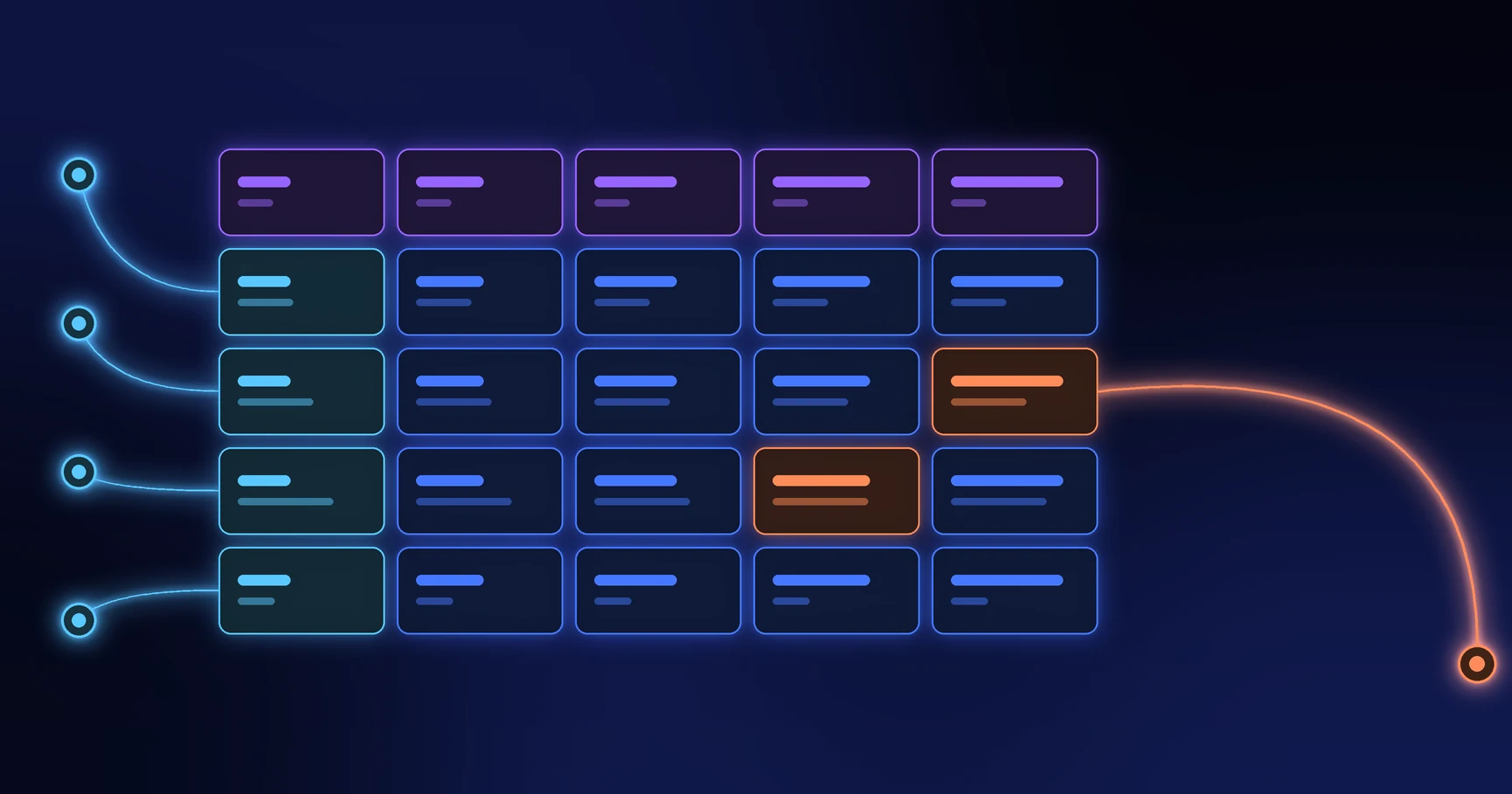
A workflow data dictionary defines every field that people and systems collect, calculate, exchange, or report. It gives each field one canonical meaning, format, owner, source, validation rule, and change rule. Build it before configuration so two teams do not give the same label different meanings.
The dictionary should cover intake fields, internal fields, derived values, identifiers, status fields, integration payloads, and reporting measures. A field that affects a decision belongs in the dictionary even when users never see it.
Source review: September 17, 2026. Privacy, retention, and classification requirements vary by organization and jurisdiction.
Use one row for one data element
Start with these columns:
- Canonical name: The stable internal name used across the workflow.
- Display label: The wording a specific audience sees.
- Definition: The exact business meaning.
- Data type: Text, number, date, choice, file, person, reference, or another defined type.
- Allowed values: Valid options, range, format, precision, or pattern.
- Required rule: When the field must contain a value.
- Source of truth: The person or system that owns the authoritative value.
- Steward: The role responsible for definition and quality.
- Sensitivity: Classification, access, masking, and export limits.
- Used by: Rules, documents, integrations, reports, and teams that depend on it.
- Retention: How long the organization keeps the value and why.
- Change rule: Who may change the definition and how downstream effects get reviewed.
Microsoft Purview defines a data dictionary as a list of canonical database-column names and their data types. For an operational workflow, extend that technical definition with ownership, decision use, privacy, and lifecycle details.
Separate the label from the meaning
A form may ask “Amount,” while finance interprets the value as pre-tax purchase value, the requester enters a tax-inclusive total, and the integration expects a base-currency amount. The label looks clear, but the meanings conflict.
Define the field as something testable, such as: “Total committed supplier value before recoverable tax, converted to the legal entity’s base currency using the approved rate on the request date.” Then give each audience a suitable display label without changing the canonical meaning.
Define identifiers and relationships first
Every case needs a stable identifier. Related objects such as employee, supplier, cost center, contract, asset, or location also need controlled identifiers. Names make poor keys because names change and duplicate.
For each relationship, record:
- the parent and child object;
- the field that links them;
- whether one or many records may relate;
- what happens when the linked record changes or disappears;
- which system owns the relationship.
These definitions prevent orphaned records and make later recovery work more reliable.
Make null, unknown, and not applicable different
An empty value can mean the user skipped a question, the value has not arrived, the value does not apply, the value failed validation, or the organization chose not to collect it. Those meanings require different actions.
Use explicit values or companion status fields when the distinction affects routing, compliance, calculation, or reporting. Never turn every blank into zero or “No.” That choice can create false decisions.
Document derived fields as formulas
For a calculated value, record the inputs, formula, units, rounding, missing-value behavior, effective version, and owner. For an AI-produced value, also record the source data, prompt or model reference, permitted use, confidence handling, and required human review.
A derived field should never look more authoritative than its inputs justify. Keep the raw source values when policy and privacy rules permit so reviewers can verify the result.
Work through one supplier example
A supplier onboarding dictionary might include:
- Supplier legal name: Registered name from the submitted legal document.
- Supplier identifier: Stable identifier created by the finance system after approval.
- Risk tier: Controlled choice calculated from approved inputs and reviewed by compliance.
- Evidence complete: Internal Boolean set only when every required document passes review.
- Current state: Controlled state from the approved state model, not free text.
- Activation date: Date the finance system confirms that the supplier can receive transactions.
This level of detail exposes a common gap: the requester can provide the legal name, but only the finance system can issue the supplier identifier and activation date.
Review downstream impact before changing a field
A field change can affect conditional rules, permissions, email content, documents, integrations, reports, historical comparisons, and open cases. Link each dictionary row to those dependencies and review them through the workflow version-control method.
Test a field change against existing records. Converting a type, narrowing valid values, or changing a required rule can make historical data invalid even when the new design works for new submissions.
How to turn the dictionary into a Formaloo build
In Formaloo, each form field defines part of the data collected for a workflow. The field-type guide covers choice, number, date, file, signature, validation, and other field behavior. Admin-only fields keep internal values such as review notes, risk tiers, and operating status away from respondents.
After build, connect Table, Kanban, or other Data Blocks to the same form submissions. Configure each view for its audience, but keep the field definitions consistent across every view.
Give the workflow one data language
A good dictionary reduces rework because builders, operators, analysts, and integrated systems use the same meanings. If you need help turning operational knowledge into a governed data model and working workflow, book a Formaloo demo.