.png)

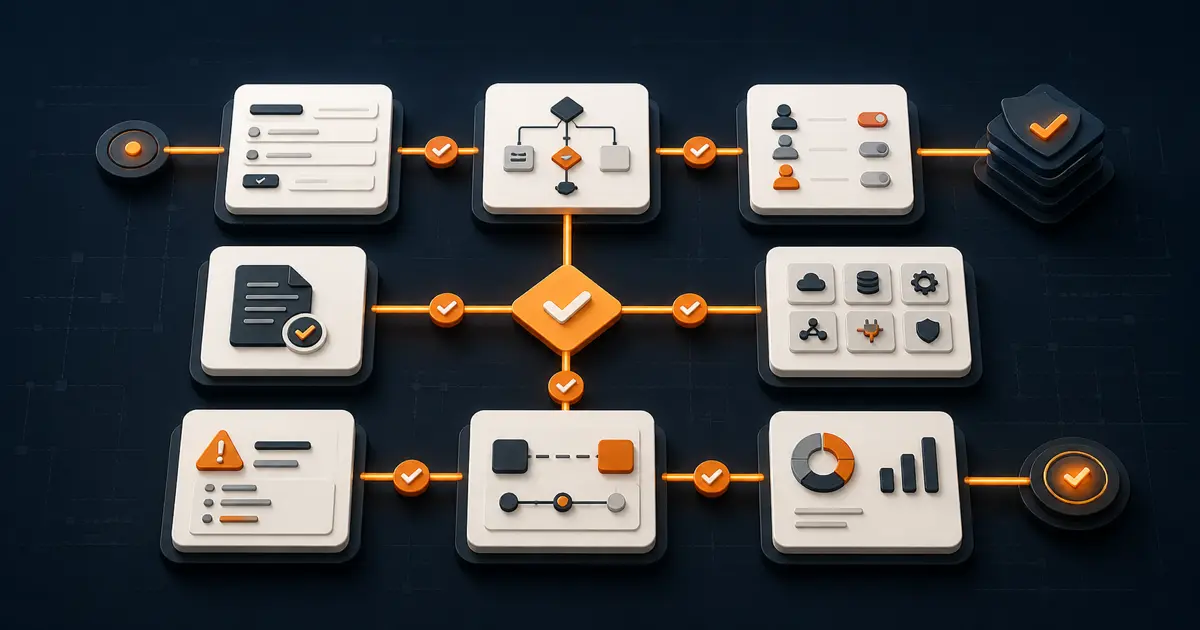
A useful workflow event data model records what happened, when it happened, which case and business objects were affected, who or what acted, the state before and after, and the evidence needed to explain the result. If those facts are missing or inconsistently named, operational analytics becomes a reconstruction project.
The goal is not to log every click. It is to create a stable history that can answer business questions about time, quality, exceptions, handoffs, and outcomes.
Source review: August 28, 2026. Validate privacy, retention, security, records-management, and regulatory requirements for your organization before collecting event data.
Start with the questions the operation must answer
Define the decisions the data should support before choosing fields. A practical starting set is:
- Where does work wait, and for how long?
- Which paths produce returns, rework, or escalation?
- Which cases miss their service target?
- Which handoffs or dependencies create failure?
- Which rule, person, or system produced a material decision?
- Which outcomes differ by request type, region, team, or risk class?
These questions determine the event grain. If the team needs queue time, record entry to and exit from each meaningful state. If it needs decision quality, record the decision, authority, reason, evidence snapshot, and later outcome.
Define the case and its related business objects
A case is one instance of the workflow, such as a purchase request, vendor onboarding, customer complaint, or research application. Give every case a stable identifier that does not change when its status or owner changes.
Many operations involve more than one object. A purchase request may relate to a supplier, contract, invoice, budget, and approval. Microsoft’s current object-centric process-mining guidance models one event against one or more stable business-object identifiers. Use that approach when forcing everything into a single case would hide important relationships.
Keep object identifiers opaque and persistent. Store human-readable labels as attributes, not inside the identifier. Never reuse an identifier for a different object.
Use a minimum event envelope
Record these fields for every material event:
- Event ID: A unique value that prevents accidental duplication.
- Case ID: The workflow instance affected by the event.
- Object references: Related supplier, order, contract, employee, location, or other durable identifiers.
- Activity name: A controlled verb and object, such as “request submitted” or “finance review completed.”
- Occurred at: The business time of the event in a consistent time zone, preferably accompanied by the original offset.
- Recorded at: When the system received or persisted the event. This reveals delayed delivery.
- Actor: The person, role, system, or integration that performed the action.
- Source: The application, form, service, or import that emitted it.
- State before and after: The meaningful operational transition.
- Reason or rule reference: The approved rule, exception reason, or decision basis when applicable.
- Correlation ID: A value that ties an event to an integration call, document, notification, or automation run.
- Schema version: The event definition in force when it was recorded.
Microsoft’s case-centric process-mining guidance identifies case ID, activity name, and timestamps as core fields, with resources and event attributes extending the analysis. The wider envelope above makes those records useful for operating and governing a live workflow, not only visualizing it.
Model states separately from activities
An activity is something that happened. A state describes the case after it happened. “Reviewer opened record” is an activity; “awaiting finance review” is a state. Mixing the two produces ambiguous metrics.
Define a controlled state catalog with terminal states such as completed, rejected, cancelled, and failed. Then record each transition with its trigger and authority. Queue time can be calculated between state-entry and state-exit events. Active handling time needs separate start and stop evidence rather than an assumption that the whole elapsed period was work.
Keep corrected or reversed transitions as new events. Do not overwrite history merely to make the timeline look clean.
Record decisions without collecting unnecessary data
A material decision event may need the proposed action, final action, decision maker, role, authority source, reason code, evidence references, and any override. Store a snapshot or immutable reference when later changes to the source record would alter the explanation.
Do not put sensitive free text into every event. Use structured reason codes, least-necessary attributes, role-based access, and documented retention. Keep analytical identifiers separate from direct personal identifiers where the use case permits it.
Control names, versions, and time
Event names must be stable enough to compare across releases. Create a small catalog with a definition, trigger, owner, required fields, and example for each event. Reject dynamic names such as “approved by Jordan for $43,200,” which create a new category for every case. Record those details as attributes.
Version the schema and the workflow configuration. When a rule changes, analytics should distinguish performance under the old and new versions. Record both occurred-at and recorded-at times, synchronize system clocks, and preserve source time zones so out-of-order events can be diagnosed.
Validate the model with six tests
- Reconstruction: Can an independent reviewer explain a case from intake to outcome?
- Metric reproducibility: Can two analysts calculate the same queue time and completion rate?
- Duplicate safety: Can retried integrations be recognized without erasing a legitimate repeated activity?
- Late arrival: Can the model preserve an event that arrives after later work has already been recorded?
- Version continuity: Can reports compare cases before and after a workflow change?
- Privacy boundary: Can the operation answer its questions without exposing unnecessary personal or sensitive information?
Run the tests with normal cases, returns, escalations, cancellations, integration failures, and corrected records. A model that works only for the happy path will misrepresent the operation.
How Formaloo can contribute event evidence
Formaloo Forms can collect structured case facts, while logic can react when a form is submitted or a record is updated. The Logic map can help teams inspect configured conditions and paths.
Formaloo’s documented webhooks can send supported form-event data to a defined endpoint and retry failed deliveries. Treat the receiving system’s response, duplicate handling, monitoring, and reconciliation as part of the integration contract. A webhook feed is not automatically a complete process-mining log.
Formaloo OI connects collection, understanding, and action around an operation. The event model is the evidence layer that lets teams measure whether those actions move work as intended.
Build analytics on trustworthy operational evidence
If you want to turn a cross-functional workflow into structured records, governed actions, and measurable outcomes, book a Formaloo demo.