Workflow reconciliation checklist: find and fix silent mismatches
A seven-step checklist to compare records across systems, classify every mismatch, repair it safely, and keep the evidence.
.png)
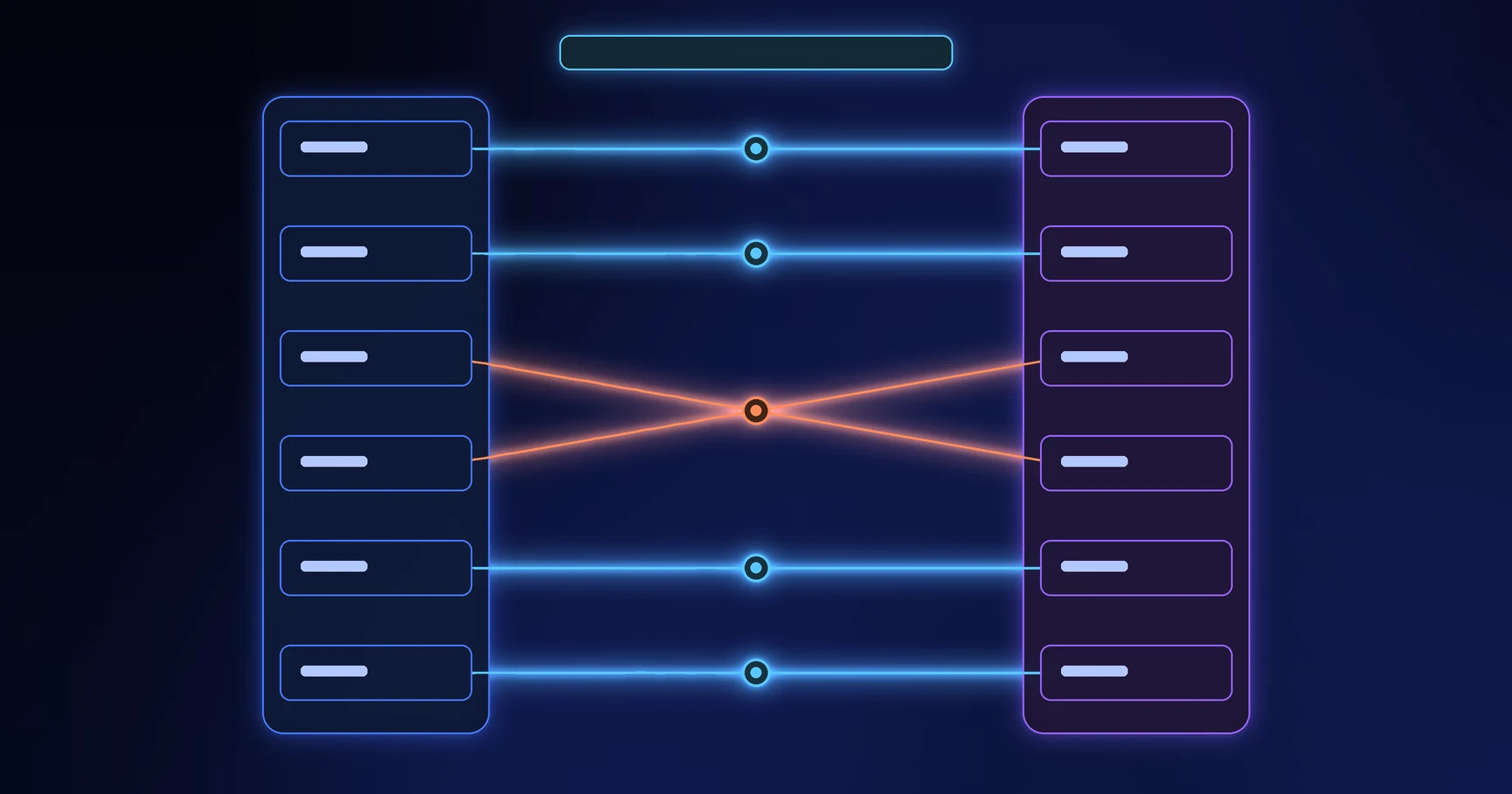
Workflow reconciliation compares the records that should agree, classifies every mismatch, repairs each one through an authorized path, and preserves evidence of the result. It catches silent failures that normal status views and delivery logs can miss.
Use reconciliation whenever one operational outcome depends on multiple forms, databases, integrations, documents, or teams. Run it after incidents and migrations, and on a regular cadence for critical workflows.
Source review: September 17, 2026. Reconciliation frequency and evidence requirements should reflect the workflow’s consequence, volume, and regulatory context.
Define which records must agree
Start with a comparison contract:
- Population: Which records and time window belong in the comparison?
- Systems: Which sources hold relevant versions of the outcome?
- Authority: Which system owns each field or state?
- Key: Which stable identifier joins the records?
- Cutoff: How much delivery or update delay counts as normal?
- Fields: Which values must match exactly, and which may differ by design?
- Tolerance: Which numeric, timing, or rounding differences are acceptable?
- Owner: Who reviews mismatches and who may correct each source?
Do not compare display names when a stable case, supplier, employee, asset, or transaction identifier exists. Names change and duplicate.
Classify mismatches before repairing them
Each mismatch type raises a different question:
- Missing record: An approved case has no downstream transaction. Did delivery fail, or did the destination reject it?
- Unexpected record: A downstream transaction has no approved source case. Did another channel create it?
- Duplicate: One case created two commitments. Did a retry repeat a non-idempotent action?
- Value conflict: Amount or owner differs across systems. Which system owns the field and which version applied?
- State conflict: The workflow says completed while the destination says failed. What confirmation should have closed the case?
- Orphan relationship: A child record points to a deleted or unknown parent. Should the relationship be restored, replaced, or closed?
- Timing gap: An update remains in transit past the allowed delay. Is the item late, stuck, or permanently failed?
Classification prevents operators from applying one bulk fix to different causes.
Use a seven-step reconciliation checklist
- Freeze the comparison definition. Record the time window, cutoff, sources, query version, and rule version.
- Extract the expected population. Start from the source events or terminal states that should have created downstream outcomes.
- Match on stable keys. Join records by case and transaction identifiers, not names or timestamps alone.
- Compare controlled fields. Check existence, count, amount, state, owner, date, and relationship according to the contract.
- Classify every difference. Assign a mismatch type, cause when known, severity, and owner.
- Repair through approved actions. Replay, correct, compensate, cancel, merge, or escalate. Never edit both systems until the mismatch disappears without deciding which value should win.
- Verify and retain evidence. Rerun the comparison, confirm closure, and keep the before-and-after result with actor, reason, and time.
AWS Well-Architected guidance recommends reconciliation after partial failure and recovery, automatic anomaly handling where possible, and preserved reconciliation evidence. Microsoft guidance for distributed systems also recommends surfacing reconciliation failures to an operator.
Design repair actions that cannot make the problem worse
Every repair needs a precondition and a duplicate guard. Before replaying a missing transaction, confirm that the destination did not complete it under another identifier. Before correcting a value, confirm the authoritative source and effective version.
Use these repair categories:
- Replay: Resend a confirmed event with the same idempotency key.
- Correct: Change an invalid value in its authoritative source, then propagate the update.
- Compensate: Apply a new action that reverses or balances a completed action.
- Merge: Combine records under an approved survivor and retain relationship history.
- Close as expected: Document why the difference matches a valid timing or scope rule.
- Escalate: Route a policy, ownership, security, or financial conflict to the accountable role.
Work through an approved-supplier example
The workflow records 240 supplier requests as approved during the month. The finance system contains 238 supplier identifiers linked to those case IDs. Reconciliation finds:
- one approved case with a failed integration event;
- one case that finance rejected because the tax identifier failed validation;
- two finance records linked to the same workflow case after a retry;
- three address differences that fall within the approved source-of-truth rule.
The team replays the failed event with the original key, returns the invalid tax identifier to the requester, merges the duplicate under finance control, and records the three address differences as expected. A second comparison must return zero unresolved critical mismatches before the month closes.
Measure the health of reconciliation itself
Track unresolved mismatch count, mismatch rate, age of oldest unresolved item, detection time, resolution time, repeat cause, replay count, duplicate-prevention success, and percentage of repairs with complete evidence.
Connect these measures to the workflow metrics framework. A low failure-alert count means little when reconciliation keeps finding silent gaps.
How to support reconciliation in Formaloo
Formaloo Data Blocks can show filtered views of form submissions by fields, status, creation time, and last update time. Build views for unresolved mismatches, items awaiting repair, and records that exceeded the allowed confirmation window.
For connected forms, Update record logic can update linked records on submission or update through user profile, lookup, or linked row fields.
Close the gaps normal monitoring misses
Delivery logs explain what a system attempted. Reconciliation proves whether the business records reached the intended shared outcome. If you need to build an operation with controlled handoffs, repair queues, and measurable evidence, book a Formaloo demo.