Build any form UI and keep every workflow in Formaloo
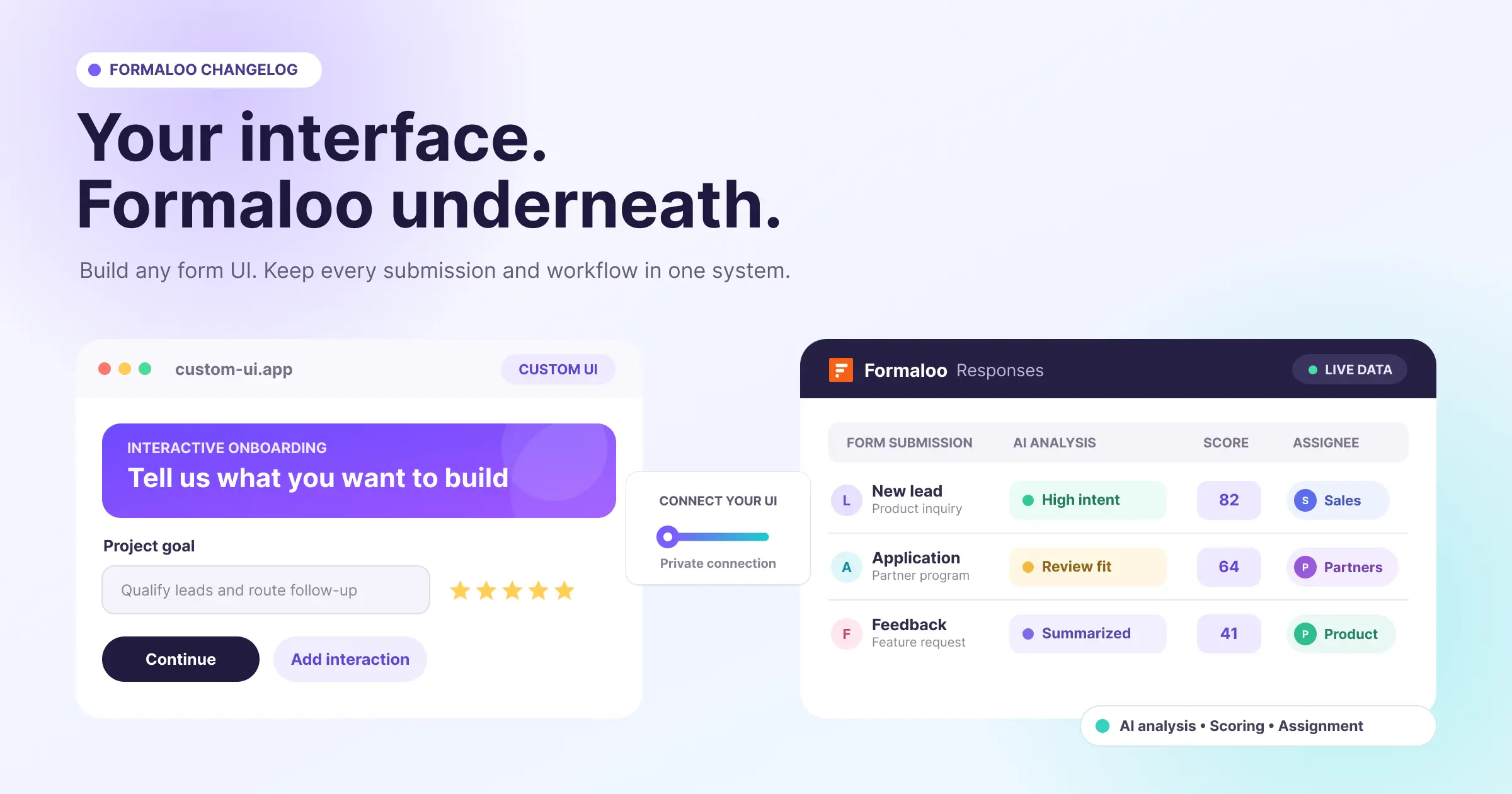
Your form can match every pixel and interaction in your product without giving up the response data and workflow behind it.
This release lets you connect a custom form interface to Formaloo. You control what people see and how they interact. Formaloo receives each form submission in the same Responses table, where your filters, advanced logic, webhooks, integrations, exports, and reporting can keep working.
We also added a private AI Analysis field, a faster way to configure scoring, logic-based assignment to members and teams, Formaloo MCP for ChatGPT and Claude, more precise submission filters, and a focused set of improvements across the product.
Build your own form interface, then connect it to Formaloo
An embedded form is not always the right fit. You may need a form to follow an existing design system, feel native inside your product, or support interactions that go beyond a standard form renderer.
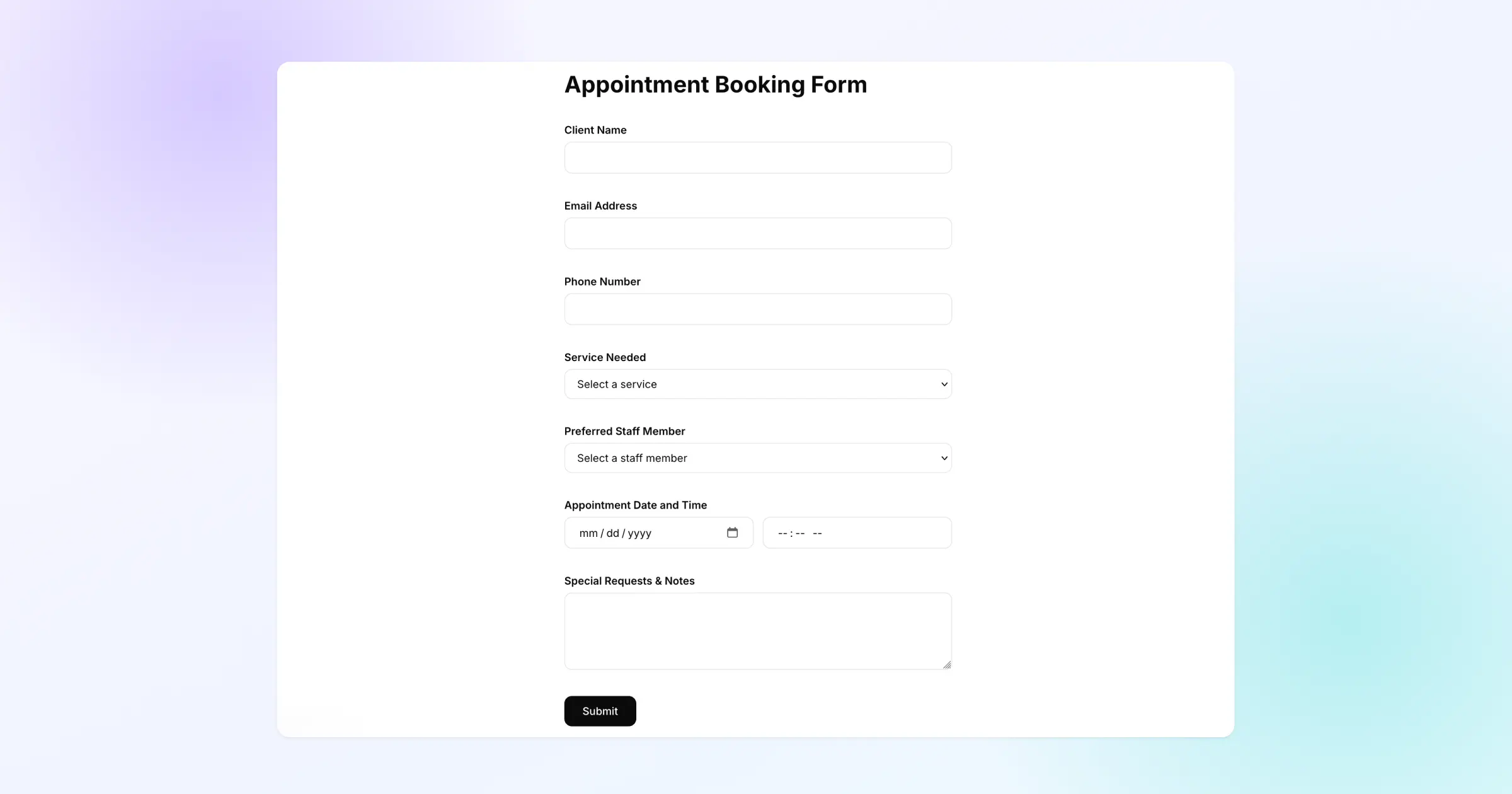
Headless Forms separates the interface from the Formaloo workflow. Build the front end in HTML, Webflow, React, Framer, or another tool. Then open Share → Connect your UI in the form editor to get the connection details your developer or AI coding agent needs.
Every input field needs a unique Field ID. Formaloo checks this before enabling the copied instructions. The instructions include the API address, field IDs, submission rules, and sample code. Store the private API key in your project environment and keep it out of public code.
Once connected, each form submission lands in the same Responses table as a Formaloo-rendered form. That means you can keep the data and downstream workflow in one system while changing the complete interface.
This opens up room for more creative experiences. Build a lead form that matches your site exactly. Add live gamification or interactive elements to a quiz. Create a native intake step inside your product. Design a mobile experience around your own components and interactions.
Headless Forms is available on Business plans and on Pro plans with the White Labeling add-on. See the Headless Forms guide for setup details.
What has changed:
- Connect your UI is available from the Share panel in the form editor.
- Formaloo checks that every input field has a unique Field ID before connection instructions can be copied.
- Copy instructions provides the API address, field IDs, submission rules, and sample code for a developer or AI coding agent.
- The connection uses a private API key that must stay out of public code.
- Custom interfaces can submit records into the same Formaloo Responses table.
- Existing response workflows can continue to use filters, advanced logic, webhooks, integrations, exports, and reporting.
- Headless Forms is available on Business plans and on Pro plans with the White Labeling add-on.
Add private AI analysis to every form submission
Teams often need an internal read on a form submission before deciding what happens next. That analysis may contain a lead-quality assessment, sentiment summary, risk explanation, application review, or recommended next action. It should be available to the team, not shown to the respondent.
.png)
The new AI Analysis field lives beside other fields in the form editor. It is separate from the AI Analysis data block, which summarizes a collection of responses. This field analyzes one form submission at a time and saves the result directly in that response row.
Write a prompt and use the @ menu to pipe submitted answers into it. The field runs automatically after every submission. If a form contains several AI Analysis fields, Formaloo runs them at the same time when possible and stores each result independently.
The field is permanently admin-only. Respondents never see the prompt or output. Your team can use the generated value from the Responses table and supported destinations, including exports, PDFs, emails, webhooks, and Google Sheets.
The AI Analysis field is available on Pro, Business, and Enterprise plans. See the AI Analysis field guide for setup and prompt examples.
What has changed:
- The form editor now includes AI Analysis in the Add field panel.
- Every AI Analysis field is permanently admin-only and hidden from respondents.
- Prompts support answer piping through the existing
@menu. - Every AI Analysis field runs automatically after each form submission.
- Multiple AI Analysis fields can analyze the same response at the same time and save independently.
- Each output appears in its own Responses table column, with generating and failed states when needed.
- Outputs remain available in supported exports, PDFs, emails, webhooks, and Google Sheets workflows.
- The field is available on Pro, Business, and Enterprise plans.
Configure quiz and assessment scoring without building each rule
Scoring a quiz or assessment should not require creating the same advanced logic rule for every answer by hand.
%20(1).png)
Open Advanced logic → Scoring, choose an existing integer variable or create one, then enter the points beside each supported answer. Formaloo creates and maintains the underlying Add rules for that score variable.
You can use positive, zero, or negative points. The shortcut supports Single choice, Multiple choice, Dropdown, Multi-select Dropdown, NPS, and CSAT fields. Your unrelated or more complex advanced logic stays in place.
See the scoring guide for a complete walkthrough.
What has changed:
- Advanced logic now includes a dedicated Scoring shortcut.
- You can select an existing integer variable or create a score variable from the scoring panel.
- Points can be entered directly beside supported choices.
- Positive, zero, and negative point values are supported.
- Formaloo creates or updates the simple
Addrules used by the selected score variable. - Unrelated complex or multi-condition rules remain in Advanced Logic and are not overwritten.
- Delete all rules removes only the simple rules managed by the scoring shortcut.
Route work to a member or team through advanced logic
The Assignee field connects a record to a workspace member, a team, or either one. Once assigned, the record appears on the relevant activity page, giving each person or team a clear view of the work they own.
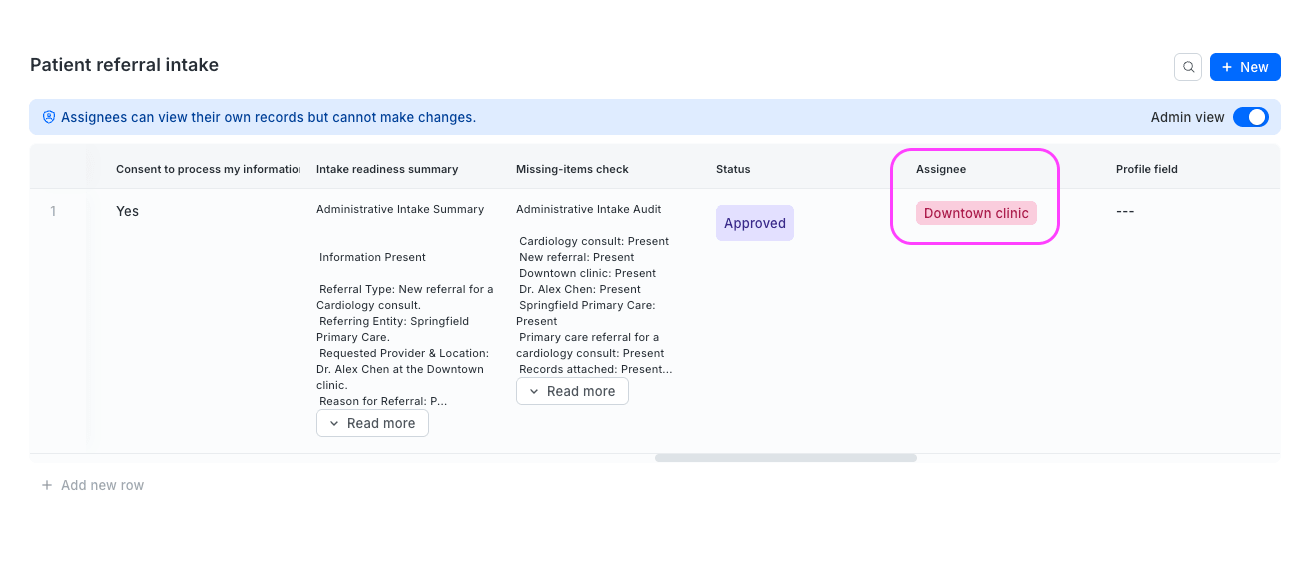
Advanced logic can now set an Assignee field when your conditions match. Route a qualified lead to a sales representative, send a support request to the right team, or assign an application to a reviewer based on submitted answers.
Assignee fields are admin-only by default, though you can change visibility for internal use cases. Assignment is limited to eligible members and teams inside the workspace. The Assignee field is available on Enterprise workspaces and as an add-on. Contact support for pricing. See the Assignee field guide for field setup and workflow examples.
What has changed:
- Advanced logic can set an Assignee field when conditions match.
- A rule can assign a record to an eligible workspace member, team, or either one.
- Assignment rules can run on submission, on update, or when a selected field changes.
- Assigned records appear on the activity page of the selected member or team.
- Multiple Assignee fields can be used when one record needs more than one owner.
- Existing response access rules continue to control who can view and work with the record.
- The Assignee field is available on Enterprise workspaces and as an add-on.
Create Formaloo projects from ChatGPT or Claude
Formaloo MCP gives AI clients a direct way to create and manage Formaloo building blocks. Add the Formaloo MCP server to ChatGPT or Claude, describe what you want to build, and let the client create the project structure in your workspace.
You can start with a scored quiz, a client onboarding workflow, or a lead capture and qualification system. The MCP can create a form with ordered fields in one call, compose an app with pages and supported data blocks, and return the relevant Formaloo admin links so you can continue editing.
Connect with the Formaloo MCP endpoint: https://mcp.formaloo.com/mcp
What has changed:
- Formaloo MCP can be added to ChatGPT and Claude.
- An AI client can create a form and its ordered fields in one request.
- The MCP can create Formaloo apps with pages and supported data blocks.
- Creation responses include relevant admin links for the new Formaloo resources.
- You can start from business scenarios such as scored quizzes, client onboarding, and lead qualification workflows.
Filter form submissions with more precise conditions
Data blocks now expose a broader set of filter operators, so each table, Kanban board, or Gallery can focus on the records that matter to that view.
Text fields support contains, does not contain, exact matches, case-sensitive matches, any of, and empty states. Choice, number, date, time, Assignee, linked-row, Product, Ending page, and Repeating section fields expose operators suited to their data types.
Use filters temporarily in View mode, or configure them in Edit mode to save a focused view. See the sorting and filtering guide for the operator list by field type.
What has changed:
- Single-choice fields support equality, exclusion, any-of, and empty-state filters.
- Multi-choice fields support all-of, exclusion, and empty-state filters.
- Text fields support contains, does not contain, case-insensitive equality, case-sensitive equality, any-of, and empty-state filters.
- Number, date, time, and date-time fields support exact and range comparisons, plus empty states.
- Assignee fields support equality, exclusion, any-of, and empty-state filters.
- Lookup and Linked row fields support contains and empty-state filters, while Repeating section fields support contains.
- Multiple filters can be combined, and saved views keep their filter configuration in Edit mode.
Improvements
- Automatic Field IDs for AI-created forms: Fields created through Magic Create, Magic Logic, Magic Import, and Formaloo MCP now receive stable, semantic, unique snake_case IDs. Existing Field IDs stay unchanged when AI edits a form.
- Clearer form saving: The editor uses Save, confirms a successful save, and opens Share once per form per device as a discovery step.
- Public project visibility: Public project cards show a globe indicator and explanatory tooltip across dashboard locations.
- Role-based workspace navigation: Admins use Home without a redundant Shared with me tab. Members use Shared with me for projects shared from locations they cannot otherwise access.
- Workspace theme pagination: The Design tab loads workspace themes in pages, so large theme libraries do not all render at once.
- Copy AI Analysis content: A copy action makes long AI-generated analysis easier to reuse from a response.
- Translated calendar labels: Day, Month, Year, and their abbreviations now follow the form's translation settings.
Better experiences
Forms
- Public forms keep embedded content stable while respondents type, preventing the reload behavior that could block completion on affected devices.
- Reusable themes can be created when a form has no title, so you can save the theme and change layouts without the previous error.
- Editing Table, Matrix, and Product field options activates Save without requiring a refresh.
- Repeating-section date fields accept keyboard and calendar input, preserve four-digit years, keep configured formats visible, stay aligned when required, and show clearer validation without covering the Add control.
- Kanban setup keeps existing Group by and card-field selections instead of clearing values or adding every field.
- Newly AI-created Assignee fields configured for both members and teams receive the correct workspace context and show the eligible list. Existing fields are unchanged.
- The Magic Create Retry control is aligned with its error message.
Data and analytics
- Payment columns, including Order status, Order code, and Payment amount, are available in response data views across payment methods.
- Portal User Directory settings can be opened from the User Directory page.
- User Profile selection shows the directory name, row count, folder, ID, and working directory link more accurately. The Assignee section remains upgrade-gated for Free users.
PDFs
- Repeating-section values appear in generated PDFs.
- Custom PDF templates keep supported emoji appearance instead of replacing colored emoji with monochrome or unsupported characters.
- PDF generation tied to an Assignee field update completes when the matching update rule runs.
Integrations
- Google Sheets import creates the project in the selected top-level or nested folder.
- One-time Stripe and Square checkout pages use the form title instead of the generic Plan label.
Account and settings
- Public status is visible directly on project cards.
- Home and Shared with me reflect the user's workspace role.
Bring us the business problem
Need help turning a business process into a system your team can run? Book a discovery call and tell us what is getting in the way. Formaloo's forward-deployed team can design and implement the solution, then train your team to scale and maintain it.
We ship every week. Follow our changelog to stay up to date.