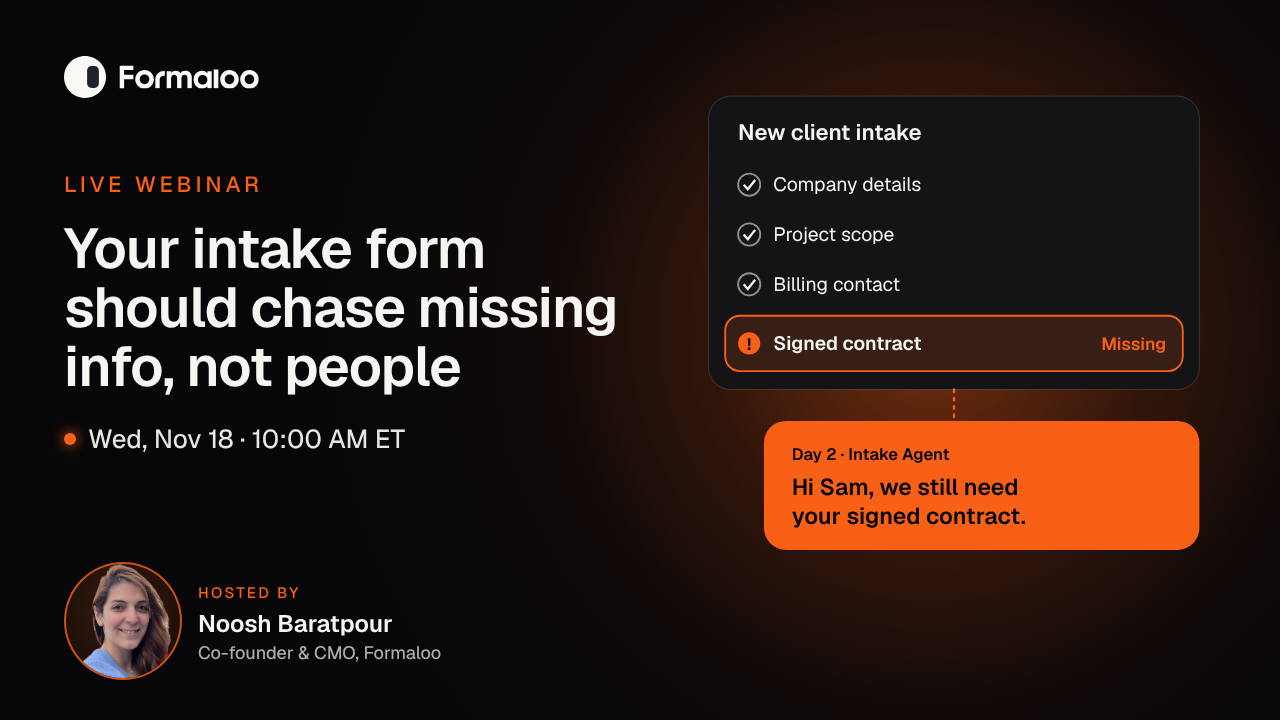
A client intake form should collect missing information on its own, not hand that job to your team. Connect the form to an AI agent and timed follow-ups, and it reads the client's emails, asks only for what's still empty, follows up after two days, and passes a complete record to the right owner. In this live webinar, Noosh Baratpour, Co-founder and CMO of Formaloo, builds that workflow for an agency's client onboarding.
Why do client intake forms stall onboarding?
Client intake forms stall onboarding because most of them stop working the moment someone submits them. A client skips the contract, answers half the scope questions in an email, and someone on your team becomes the reminder system. That person writes the nudge, waits, writes it again, and tracks who owes what in their head. The cost hides well: a few minutes at a time, across a week, for every new client.
What should a client intake form include?
A client intake form should ask only for what you need before work starts: company details, key contacts, goals, project scope, billing information, and the documents the project depends on. Mark the critical fields as required, because in Formaloo those fields tell the agent what to follow up on. We'll also cover what to ask later, so a long form doesn't cost you the client's attention.
How do you automate client intake follow-ups without annoying clients?
Automate the follow-up so it asks only for what's missing and checks the record before it sends anything. The Intake Agent never sends the full list again, you set its tone, and it copies you on every email. Wait logic checks the record when the wait ends, so a client who already replied gets no reminder.
What will you see live?
You'll watch one agency's client onboarding run from first email to kickoff:
- The email thread. We CC the Intake Agent on a client conversation. It reads the thread, fills the record, and emails the client about what's still missing.
- WhatsApp. The same agent collects answers on WhatsApp, for clients who don't answer email.
- The timed chase. Advanced logic waits two days, checks whether the record is still incomplete, then sends a reminder or escalates to a manager.
- The documents. The client signs in a signature field, and a PDF template turns the finished record into a kickoff document.
- The hand-off. Logic assigns the complete record to the right account owner, and a client portal shows each client their own submission and its status.
Where should a person still step in?
A person should step in when a client's answer needs judgment, not when a field is empty. We'll show where the workflow stops and hands over, so your team spends its time on scope and relationships rather than on reminders.
Who should attend?
- Operations and client-services leads at agencies and service firms
- Account managers who chase clients for files, contracts, and approvals before work can start
- Agency owners who want client onboarding to run the same way for every client, under their own brand
What will you leave with?
- A clear rule for what your intake form should chase and what a person should handle
- The fields to ask for up front and the ones to ask later
- A follow-up workflow you can copy for your own client onboarding
Hosted by Noosh Baratpour, Co-founder and CMO of Formaloo. For the security side of intake, watch Secure AI intake and onboarding.
Frequently asked questions
Is the webinar recorded?
Yes. Register and we'll send you the replay.
Do I need Formaloo to attend?
No. The argument and the workflow apply to any client intake form, and you can attend without an account.
What if my clients never fill out forms?
The Intake Agent collects answers from the email conversation itself, so the client can reply as usual while the record fills in.
Does the agent email clients without me seeing it?
No. It copies you on every email it sends, and you can turn follow-ups off so it only records data.
What do I need for WhatsApp?
You connect your own WhatsApp Business number and get an opening message template approved by Meta. After a client replies, the agent can respond freely within WhatsApp's 24-hour window.
Live on Wednesday, November 18, 2026, 10:00 to 11:00 AM ET. Can't make it? Register and we'll send the replay.


