How to handle exceptions in approval workflows
Design approval workflow exception paths for missing data, rework, rejection, overrides, absent approvers, and system failures without losing control.
.png)

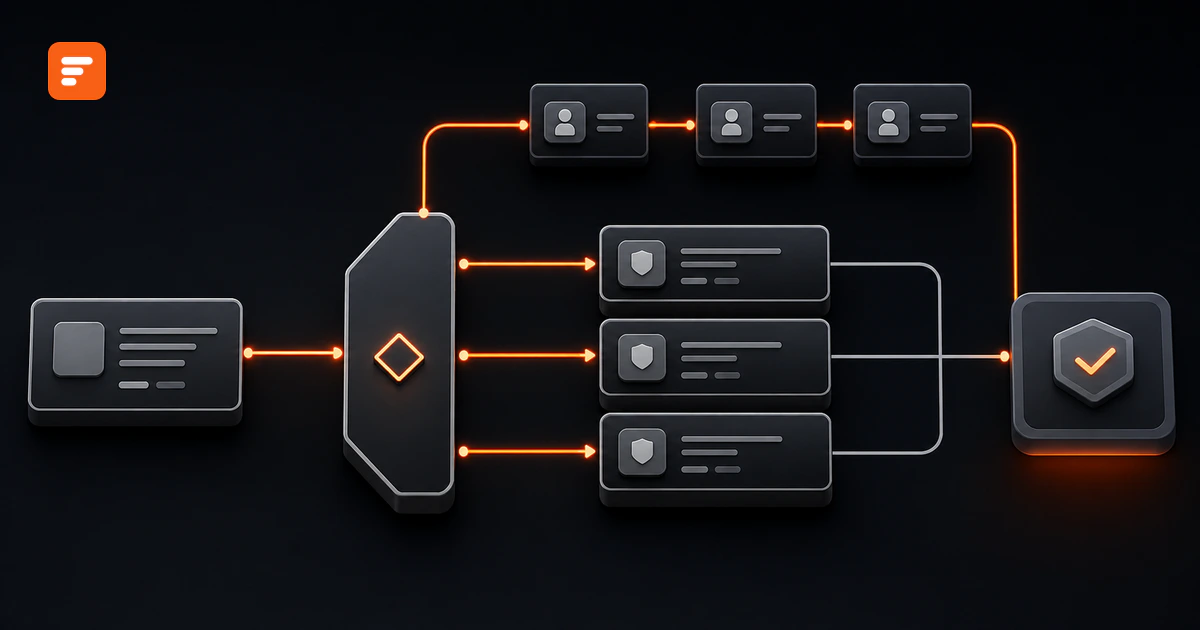
Short answer: Handle every approval workflow exception as a named state with one owner, a limited set of actions, an evidence rule, an exit condition, and a clear return point. Do not send unusual cases into email and hope someone remembers to close the loop.
An exception does not mean the workflow failed. It means the request cannot follow the expected route without more information, different authority, rework, or recovery. A good exception path protects the decision while keeping the work visible.
Source review: August 21, 2026. The framework below supports workflow design. Your finance, legal, security, compliance, and records owners should set the real authority and evidence requirements for your organization.
What is an approval workflow exception?
An approval workflow exception is a request state that needs a controlled path outside the normal approval route. Missing information, an absent approver, a policy deviation, a disputed decision, and a technical error all qualify, but they need different owners and outcomes.
An exception also differs from an escalation. An exception explains why the normal route cannot continue. An escalation responds when work waits too long or needs higher authority. One request can enter an exception state and later escalate, but the workflow should record those events separately.
Classify the exception before choosing a fix
Start with the cause, not the most convenient destination. Five classes cover most approval exceptions:
- Data exception: The request lacks a required field, attachment, source record, or valid value.
- Policy exception: The request falls outside an approved rule, limit, catalog, contract, or standard.
- Ownership exception: The named approver cannot act, no valid approver exists, or two owners dispute responsibility.
- Decision exception: A reviewer rejects the request, asks for changes, approves only part of it, or disputes another decision.
- System exception: A rule, integration, notification, or record update fails and the workflow cannot confirm the next state.
This classification prevents one catch-all “Exception” queue from becoming another inbox. The data exception usually returns to the requester. The policy exception needs a qualified exception owner. The system exception needs an operations or technical owner who can prove whether prior actions completed.
Define a six-part exception contract
Write the contract before you configure fields or logic. Every exception path needs six elements:
- Trigger: State the exact condition that opens the exception. “Contract file missing” works. “Request has an issue” does not.
- State: Give the request a visible state such as Needs information, In rework, Policy exception, System error, Rejected, or Closed.
- Owner: Name the person or role responsible for the next action. A notification recipient does not automatically become the owner.
- Allowed actions: Limit what the owner can do. For example, request information, correct a field, reassign, approve an exception, reject, retry, or close.
- Evidence: Record the reason, changed fields, supporting artifact, decision maker, timestamp, and any accepted risk.
- Exit condition: Define whether the request resumes at the same review, restarts earlier, advances with a recorded exception, or closes permanently.
The exit condition matters most. An exception without an exit condition creates a holding area, not a working route.
Use seven reusable exception paths
1. Needs information
Use this path when the requester can supply a missing or unclear fact. Pause the affected review, assign the request back to the requester, list the exact missing items, and set a response date. Resume only after validation confirms the required information exists.
Do not reset unaffected approvals unless the new information changes what those reviewers approved.
2. Rework and resubmission
Use rework when the request can become acceptable after a defined change. Preserve the original reviewer comment and prior version. Name the fields or artifact that may change, choose which approval step will review the new version, and mark older decisions as superseded when the change affects them.
A rejection says no to the current request. Rework says the requester can correct something and submit again. Keep those outcomes distinct.
3. Rejection and closure
Use a terminal rejection when the organization will not proceed with the request in its current business context. Require a reason code and a short explanation, notify the requester, stop downstream actions, and close any open tasks.
If the requester can submit a materially different request later, create a new record or a controlled new version. Do not quietly move a rejected record back to Pending.
4. Partial or conditional approval
Use this path only when the request contains separable items or conditions. Record which part received approval, which part did not, who owns the remaining condition, and what must happen before fulfillment.
Never let “partially approved” trigger the same downstream action as complete approval. The completion rule must check the approved scope and every open condition.
5. Authorized override
An override lets a specifically authorized role resolve a decision outside the normal route. Treat it as a high-evidence event. Record the original state, override authority, decision, reason, affected scope, supporting evidence, and review date.
Restrict who can override. Current ServiceNow documentation, for example, limits its override action to designated approval-admin permissions and records a decision comment. That product behavior illustrates the control principle: an override should leave more evidence, not less.
6. Delegation or reassignment
Use delegation when an approved substitute can act for an unavailable approver. Use reassignment when ownership itself changes. Record who transferred authority, why, when it starts, when it ends, and whether the substitute can see the required information.
SAP documents delegation separately from escalation. That distinction helps preserve accountability: the workflow should show whether a substitute acted under delegated authority or a higher owner took control after delay.
7. System fault and recovery
Use a system exception when the workflow cannot prove that a rule or external action completed. Freeze any unsafe downstream action, record the failed step and last confirmed state, assign a recovery owner, and define whether a retry can repeat a real-world effect.
Salesforce recommends explicit fault paths for approval stages and notes that earlier record changes do not always roll back after a failure. The general lesson applies across tools: confirm the current state before retrying, and do not assume a failed status means nothing happened.
Apply the contract to a software-purchase request
Consider a request for a new analytics tool. The normal route sends the request to the budget owner, security, procurement, and legal according to value and data risk.
Now add the real cases:
- The requester omits the data-classification answer. Set Needs information, return the record to the requester, and pause security review.
- The vendor asks for a nonstandard liability clause. Open a Policy exception owned by legal and preserve the clause plus the accepted risk.
- The budget owner takes leave. Apply a time-bound delegation or assign an approved fallback owner.
- Legal approves contract version three, then the vendor uploads version four. Mark the earlier legal decision as superseded and restart the affected review.
- The purchasing integration times out after submission. Set System error, verify whether the purchase record exists, then retry only if the check finds no completed action.
Each path changes one owner and one next action. Every path ends by resuming a named review, advancing with recorded authority, or closing the request.
Build exception handling in Formaloo
Formaloo supports exception handling through connected workflow building blocks. Start with one Form as the request record. Add required intake fields and use admin-only fields for internal exception class, state, reason, owner, evidence link, affected version, opened time, and resolved time.
Use Logic map to inspect conditional paths and find conflicting or missing rules. In Advanced logic, use On submit for initial classification and assignment. Use On update when a reviewer changes the exception state, corrects information, reassigns work, or closes the exception.
For Enterprise workspaces or the relevant paid add-on, Formaloo's Assignee, Status, Due date, and Activity page features can show who owns a form submission, when it needs action, and which state it occupies. Assignment alone does not send an email automatically. Add a separate Send email rule and use a custom email template when the message needs request details or a precise correction list.
Current Formaloo Help Center sources do not describe a dedicated fault-path or approval-override feature. Model those paths with explicit internal fields, restricted ownership, evidence requirements, and verified On update actions. Confirm your authorization and records requirements outside the field configuration.
Test every exception before launch
Run realistic records through the full workflow. Microsoft includes happy paths, edge scenarios, system integration testing, user acceptance testing, external dependencies, support readiness, and business sign-off in its go-live guidance. Turn those categories into specific approval tests:
- Submit a request with each required field or attachment missing.
- Trigger a policy exception exactly at, below, and above a rule boundary.
- Return a request for rework, change one material artifact, and resubmit it.
- Reject a request and confirm that no downstream action starts.
- Partially approve one item and confirm that unapproved items cannot proceed.
- Delegate or reassign an absent approver and confirm the substitute has appropriate access.
- Attempt an override from an unauthorized role, then test the authorized path and evidence.
- Fail an integration after the external action may have completed, then test the state check before retry.
- Reconstruct the request from intake through exception, decision, and closure.
- Change one routing or exception rule and rerun all affected cases.
A critical exception test should have a trigger, expected state, expected owner, allowed action, required evidence, and final result. Do not approve launch while a critical case can disappear, advance without authority, or repeat an external action.
Use exception data to improve the workflow
Track exception rate by class, time in exception, rework loops per request, override count, unresolved system faults, and the share of exceptions that return to the same intake field or routing rule. Pair those signals with cycle time and queue age.
A repeated exception usually points to a design issue. Improve the intake field, policy wording, authority table, fallback owner, integration check, or training before adding another manual review.
Give every unusual case a controlled ending
The strongest approval workflow does not pretend every request will follow the happy path. It gives incomplete, disputed, unavailable, nonstandard, and failed cases an owner and a safe ending.
If your enterprise needs one connected record for intake, review, assignment, exception handling, and status, Book a demo.
Sources
- Formaloo Help Center: How to build an approval workflow in Formaloo
- Formaloo Help Center: How to assign form submissions and control assignee views
- Formaloo Help Center: Visualize form logic with Logic map
- Formaloo Help Center: Admin-only fields
- Salesforce Help: Error handling in approval workflows
- ServiceNow documentation: Override an approver
- SAP Help: Delegating approval authority
- Microsoft Learn: Go-live readiness checklist
- NIST SP 800-53 Rev. 5.1