How to issue certificates automatically with no-code tools
Learn how to auto generate certificate no-code using Formaloo. Set up a form, PDF template, and email delivery once, then issue certificates automatically.
.png)
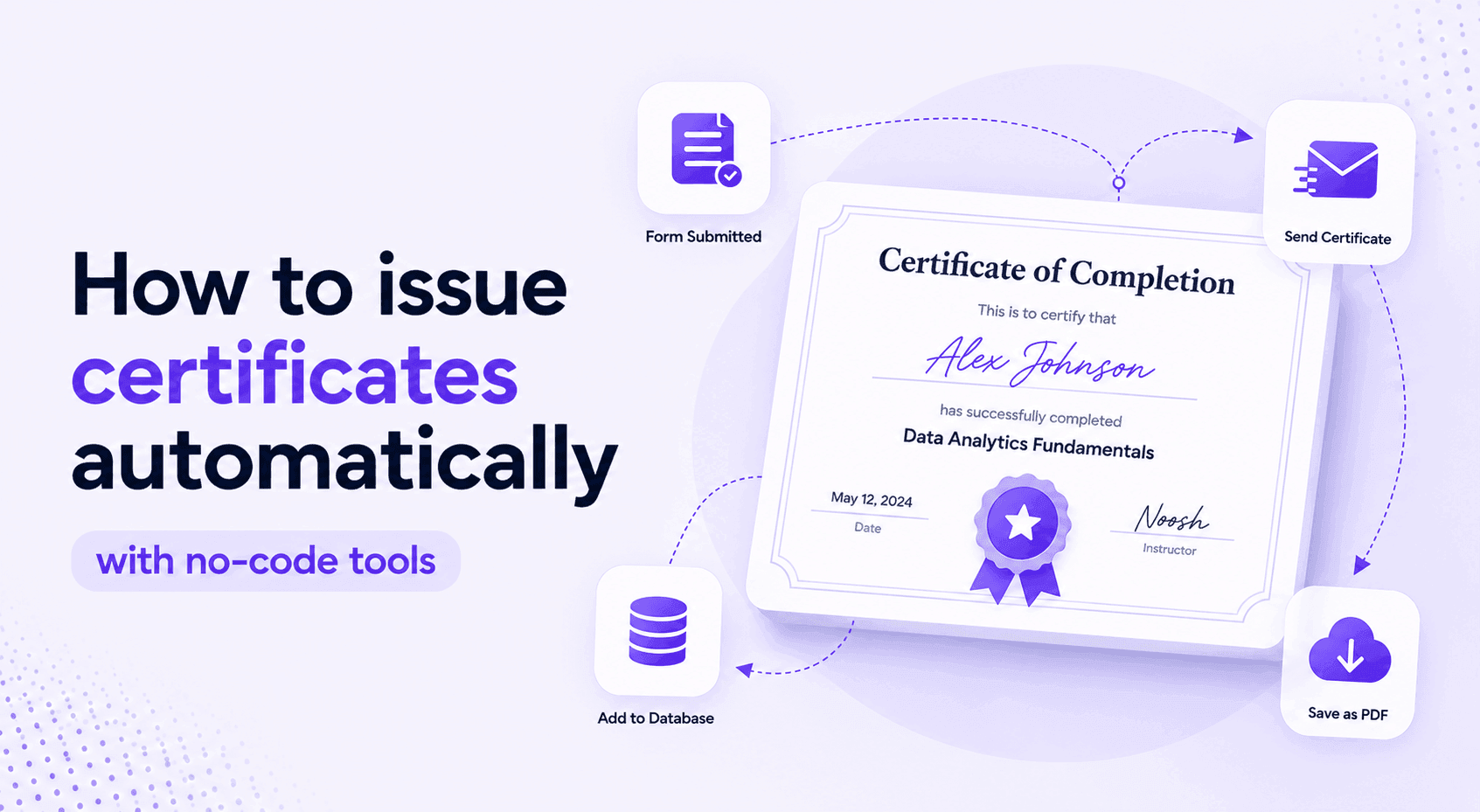
Most teams that run training programs, courses, or certification workflows still issue certificates by hand. Someone completes the course, sends an email, someone else opens a template in Word, types in the name, exports a PDF, and sends it back. If it's a busy week, the certificate might arrive three days late. If there's a typo, there's another round.
This isn't a process. It's a series of manual steps that happen to produce the same output every time.
This post shows you how to auto generate certificate no-code using Formaloo, so every person who completes your program gets a personalized, branded certificate the moment they finish, with no manual work on your end.
What you'll build
A workflow that:
- Collects participant information and quiz or course completion data via a form
- Checks whether the participant passed (optional but common)
- Automatically generates a personalized PDF certificate with their name, date, and program details
- Emails the certificate to the participant the moment they qualify
No developer. No design software. No copy-paste.
Why manual certificate issuance breaks at scale
If you issue five certificates a month, the manual approach is annoying but manageable. If you issue 50, it becomes a part-time job. If you issue 500, it breaks.
The common failure points:
- Typos in names or dates because someone was copying quickly
- Delays that make your certification program feel unprofessional
- No audit trail of who received what and when
- Design inconsistency when different people build the certificate each time
Automating this fixes all four at once.
Watch this live webinar to learn about the complete process:
Step 1: Build your intake or assessment form
Let's first create a quiz, intake or assessment form. Start a new project in Formaloo and choose Form. This is where participants will submit their information or complete their assessment.
Add the fields you need. At minimum:
- Full name (this will pull directly into the certificate)
- Email address (the certificate will be sent here)
- Any quiz or assessment questions if you're testing knowledge
If you're running a gated certification, where only participants who score above a threshold receive a certificate, add a Score or Calculation field. Formaloo calculates the result from the quiz answers automatically.
For multi-step programs where people register first and complete later, you can split this across two forms connected through a portal. But for most certification workflows, a single form covers the full flow.
Step 2: Design your certificate template
Go to PDF templates in Apps & integrations. This is where you build the certificate layout.
You're working with a visual editor, not code. Drag in your logo, set your background, add text blocks, and define the layout the way you want it to look.
The key step: use answer piping to pull in live data from form submissions. Instead of typing a participant's name, you insert a variable like @full_name. In this example, full_name is the ID of fields on the forms using this PDF template. When the certificate generates, Formaloo replaces every variable with the actual submitted value on each form.
You can also add your signature as an image, a QR code for verification, or a unique certificate ID generated from the submission.
Learn how to dynamically pull form data into custom emails, PDFs, and AI prompts
Step 3: Connect the certificate template to form submissions
Once your PDF template exists, link it to your form. In the form's settings panel on the right side, enable the Generate a PDF for all responses toggle and select the certificate template you built.
Now every form submission triggers a certificate. Formaloo takes the submitted data, fills in every variable field, and produces a finished PDF.
You can also automatically email the certificates to the participants. To do so, switch to the Notify tab > Send email to respondents and enable the toggle there. There you can attach your certificate PDF template to the emails.
The result: the moment someone submits the form, they receive a personalized email with their completed certificate attached as a PDF. No one on your team needs to do anything.
Step 4: Add a conditional pass/fail gate (optional)
If you don't want to send certificates to all respondents, use conditional logic rules in the Advanced logic page to send the email and certificate based on the responses provided on the form.
If you only want to issue certificates to participants who meet a score threshold, add a condition before the PDF generates.
In the advanced logic panel (found in the form settings on the right sidebar), under the On submit trigger, set a rule: if the calculated score is below your threshold, send a different email. If it's above, trigger the certificate PDF and the success notification.
This gives you a fully automated certification workflow where:
- People who pass get a certificate immediately
- People who don't pass get a message explaining what to do next
- You see a clean record of both outcomes in your submissions dashboard
What the finished workflow looks like
From the participant's side:
- They complete the form or assessment
- They receive a confirmation email with their certificate as a PDF attachment
- The whole thing takes less than a minute after submission
From your side:
- You set it up once
- You check your submissions dashboard when you want to review completions
- You don't touch individual certificates at all
Who uses this
This workflow fits any program that ends with a credential:
- Customer training: Certify customers who complete your product education program
- Partner certification: Issue credentials to resellers or partners after they complete your training
- Internal L&D: Automate certificate issuance for employee compliance courses
- Online courses: Let learners collect their credential the moment they finish
Try it now
Formaloo has a free Customer Certification Program template that includes the form, the PDF certificate layout, and the email workflow pre-built. You can adapt it to your program in under an hour.
Try the free Customer Certification Program template →
35,000+ teams in 100+ countries use Formaloo to run real workflows without waiting on developers. The certification workflow is one of the most common, and one of the fastest to set up.
If your program is more complex, with multiple tiers, approval steps, or a portal where participants log in to view their credentials, our concierge team will help you scope and build it.
.jpg)
.jpg)